Searching for protection activities
For a video tutorial of this topic, see our adoption portal.
As a Global Security Administrator, you can search for activities performed on any file protected by any user in your organization. Moreover, you have access to additional search criteria and filtering options not available to end users.
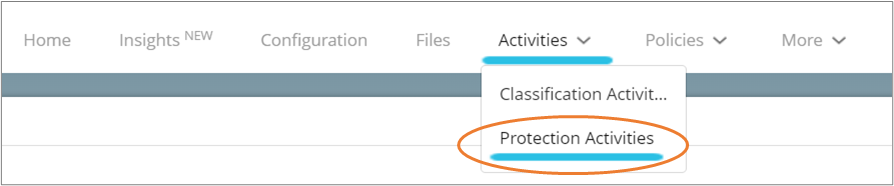
Click on the Activities tab. Then click Protection Activities.
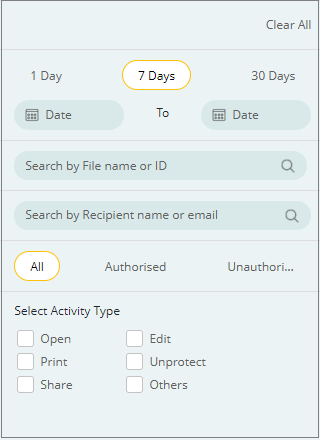
Enter the search criteria in the options on the left pane.
The search results will appear in the center pane.
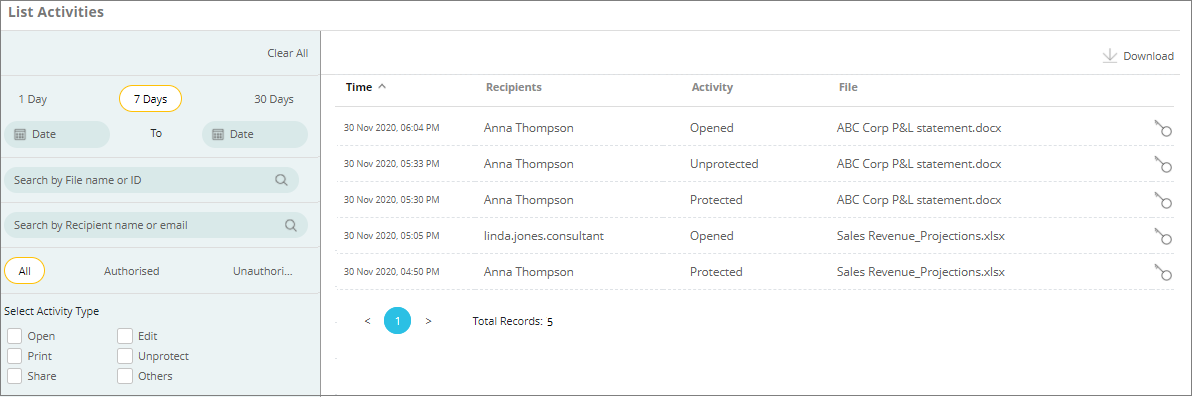
Note that the activities performed by enterprise applications are logged with the name of the application.