Creating exceptions
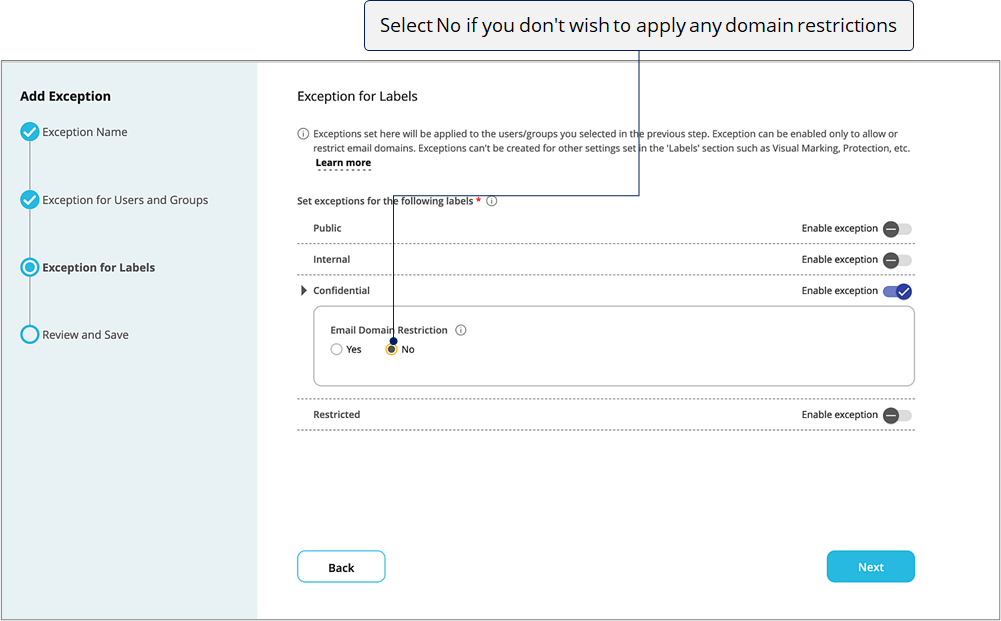
In this section, we'll see how to create exceptions to allow or restrict email domains for specific users when certain labels are selected. Exceptions can be used to allow certain users or teams (for example, executive team, CEO, CFO, etc.) to send emails to some domains that may be otherwise restricted for the rest of the organization. Exceptions can also be used to restrict some email domains for users who are about to quit your organization.
Note that exceptions can't be created for other settings set in the 'Labels' section such as Visual Marking, Protection, etc.
Step-by-step


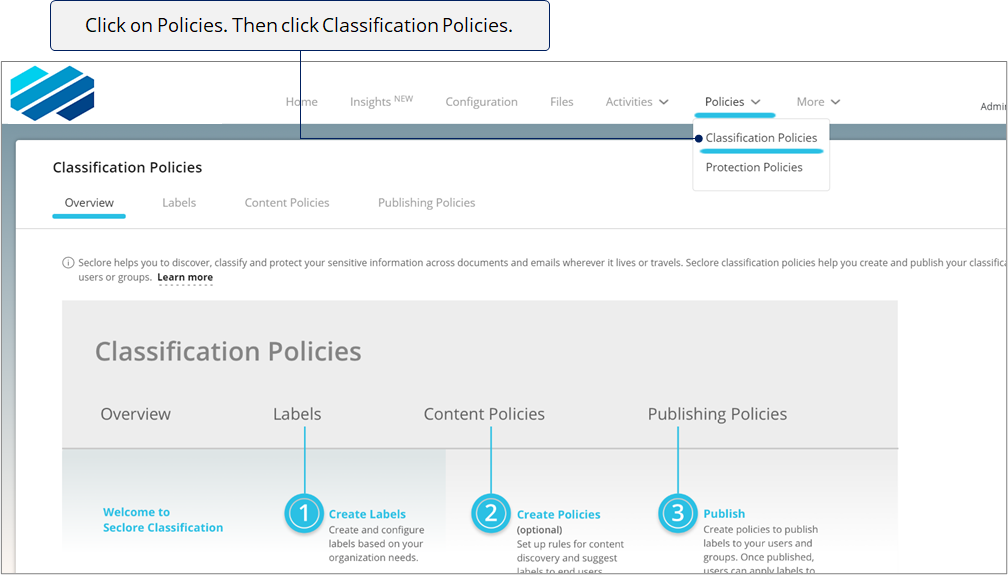

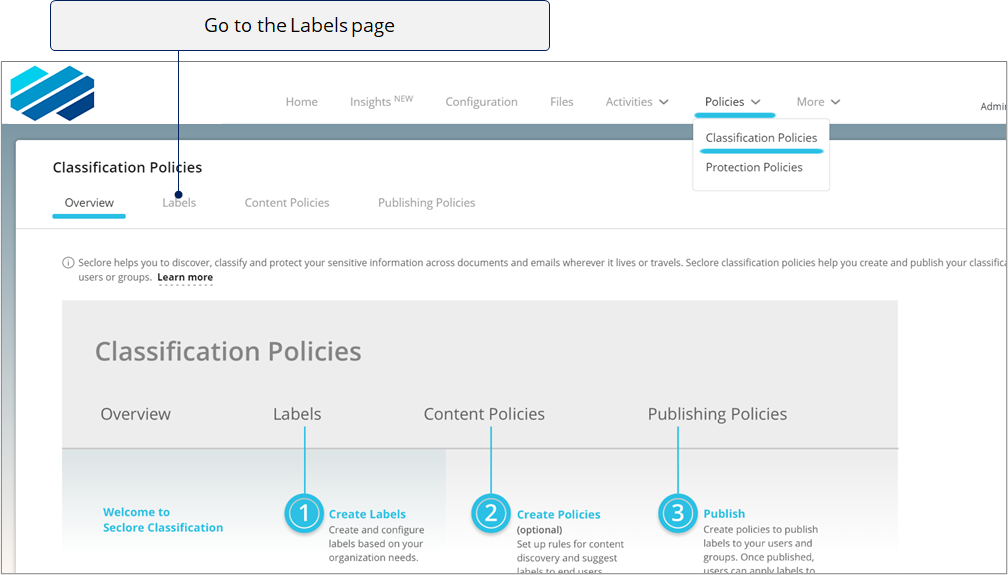

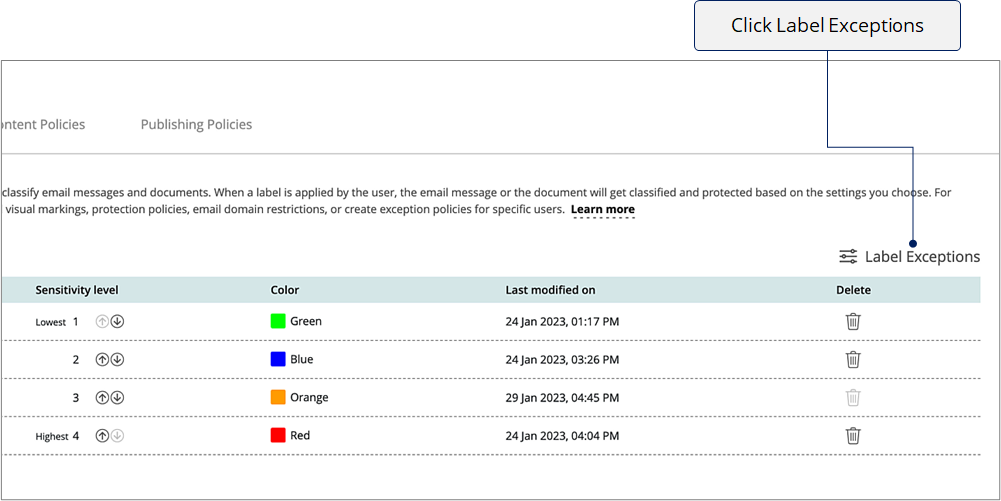

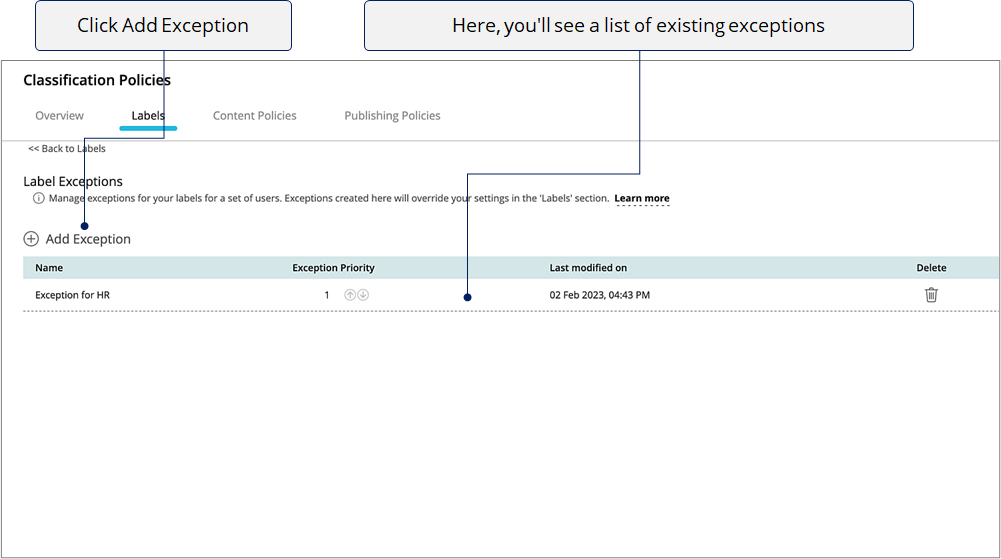

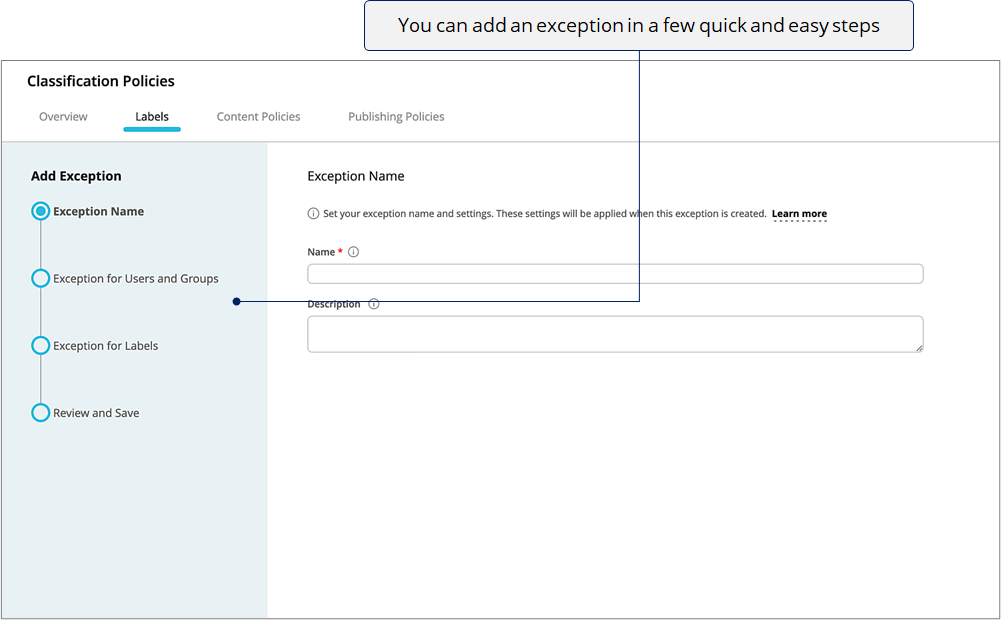
Select the step you wish to view
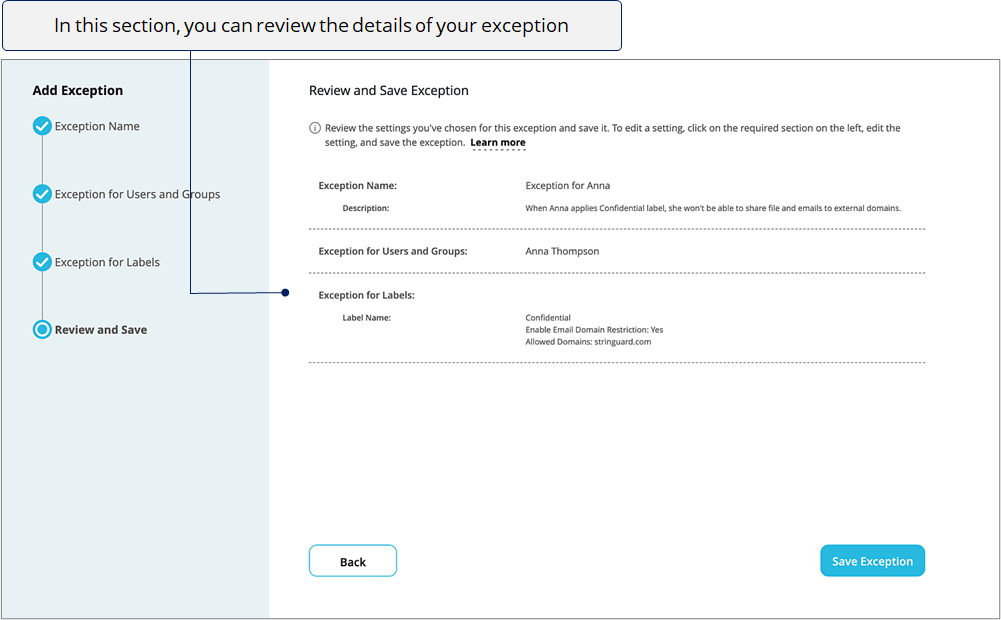
Let us create an exception for Acme Bank’s Operations Executive Anna, as her organization doesn’t want her to send emails to external domains

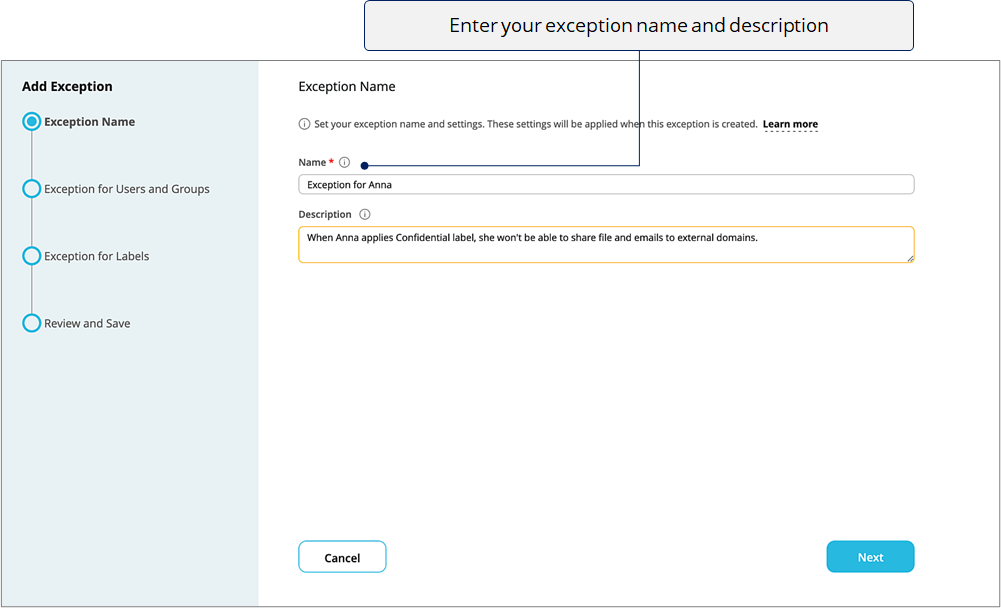
Use a name that helps Admins understand the purpose of this exception.

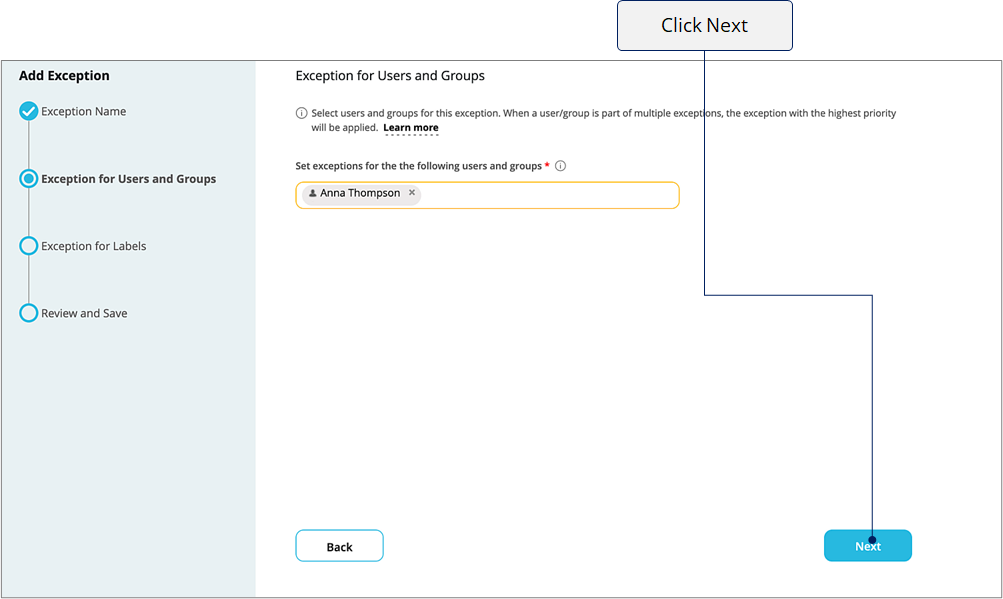
Exception for Users and Groups
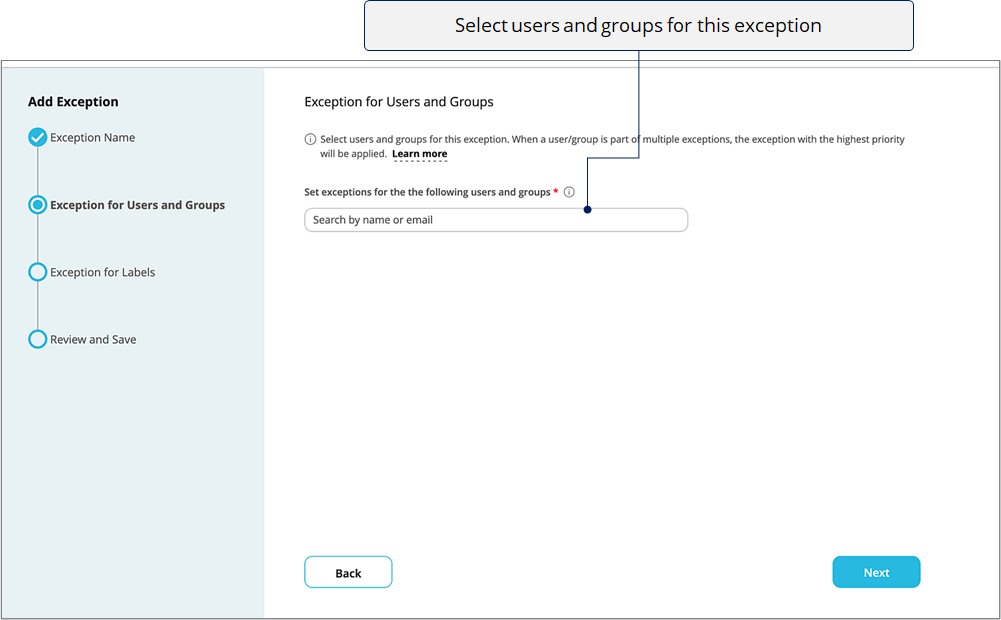
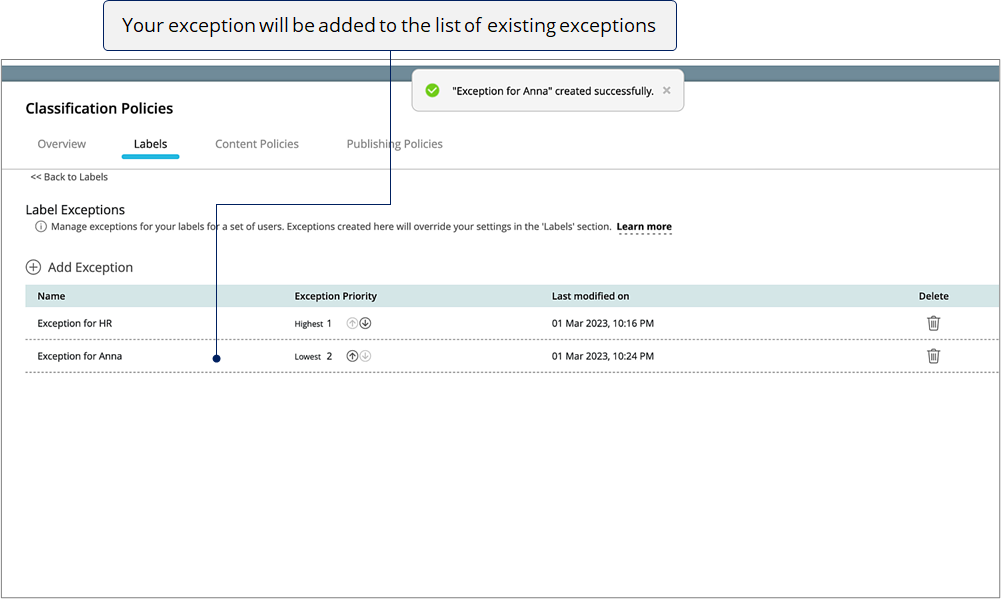
When a user/group is a part of multiple exceptions, the exception with the highest priority will be applied
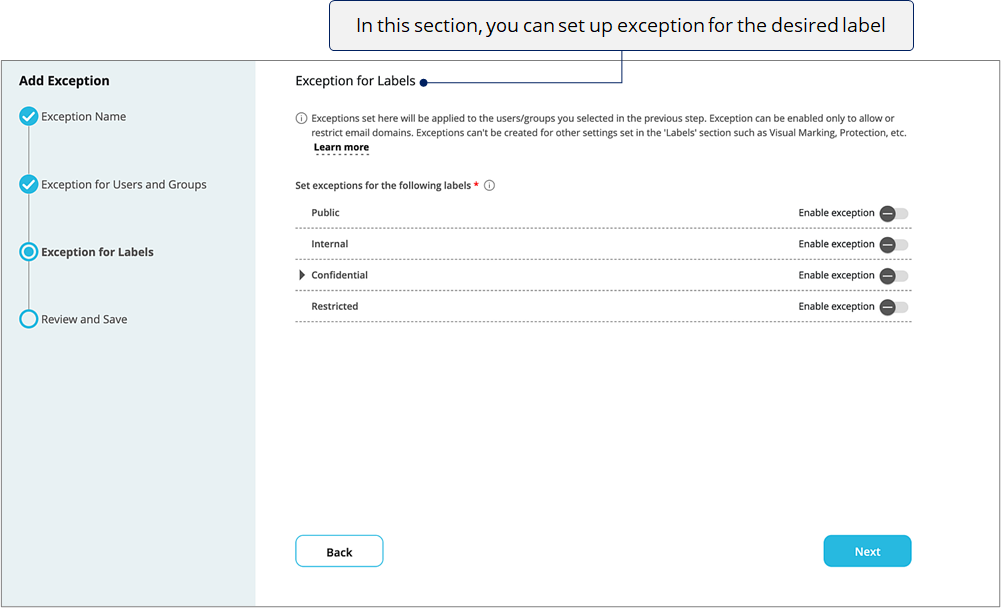
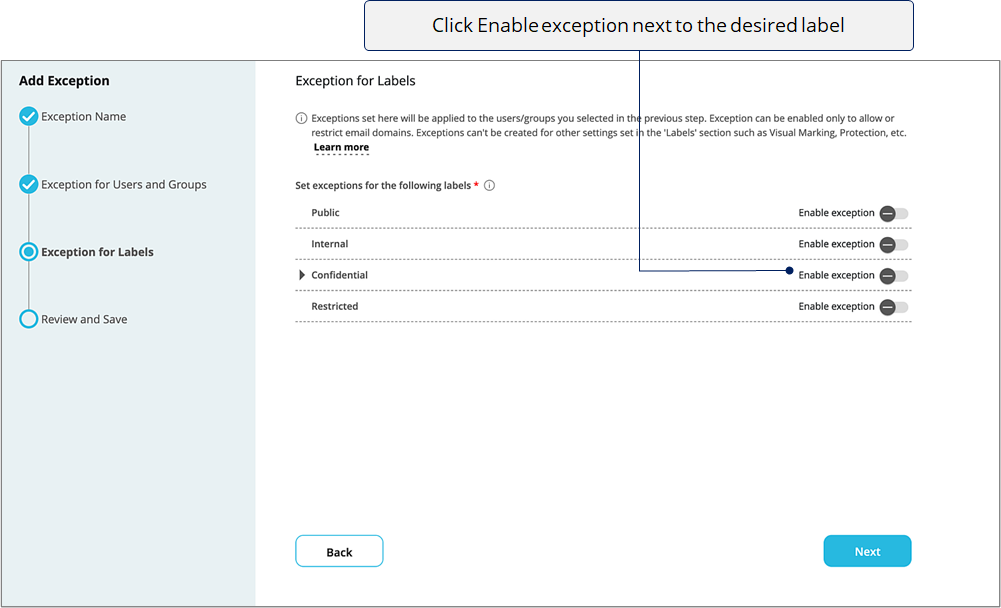
Exceptions set here will be applied to the users/groups selected in the previous step .


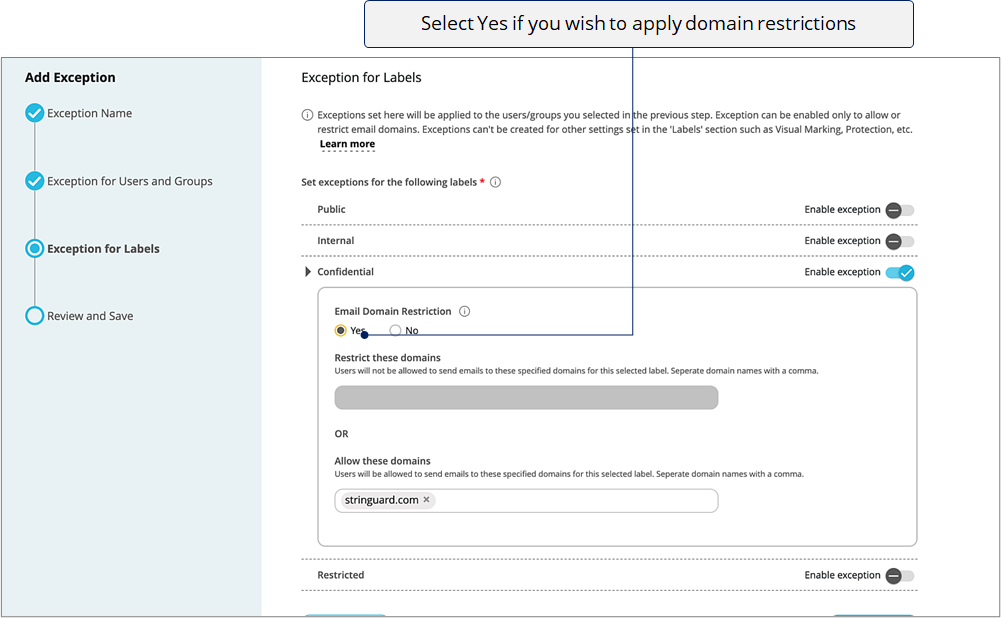

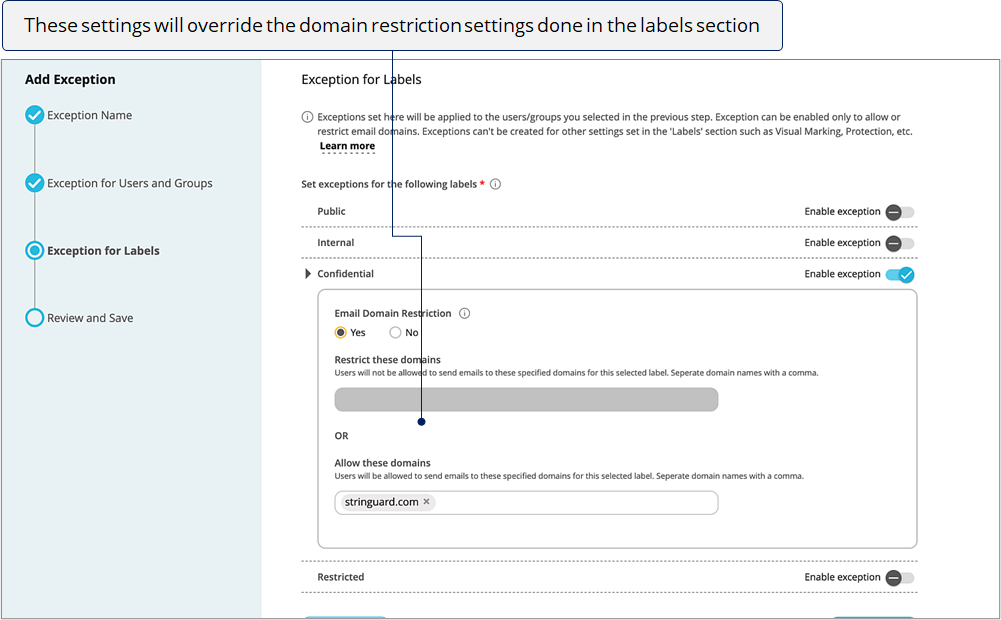
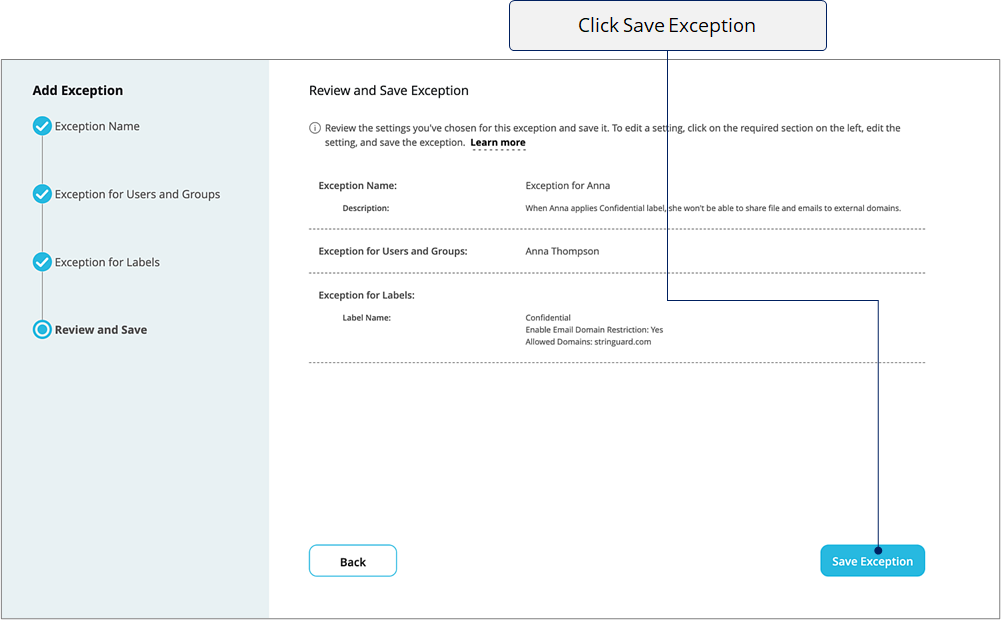
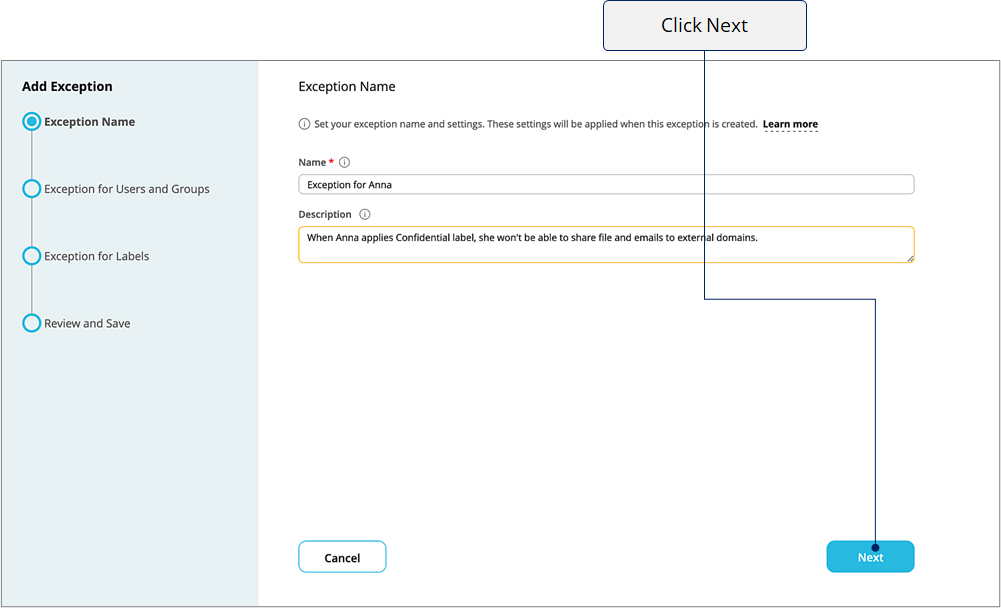
Click Next.