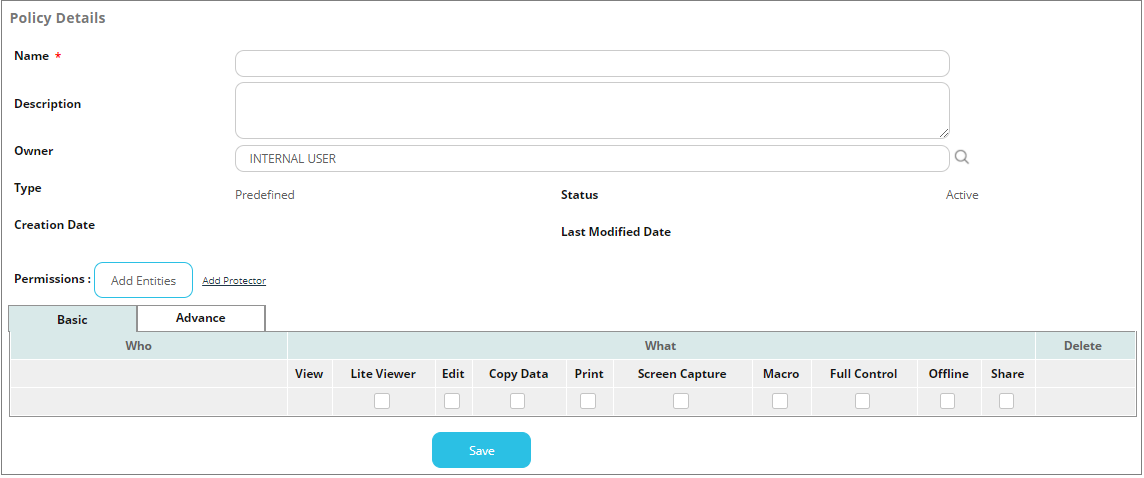
Creating predefined policies
For a video tutorial of this topic, see our adoption portal.
As a Global Security Administrator (administrator for all repositories), you can create policies for the entire organization.
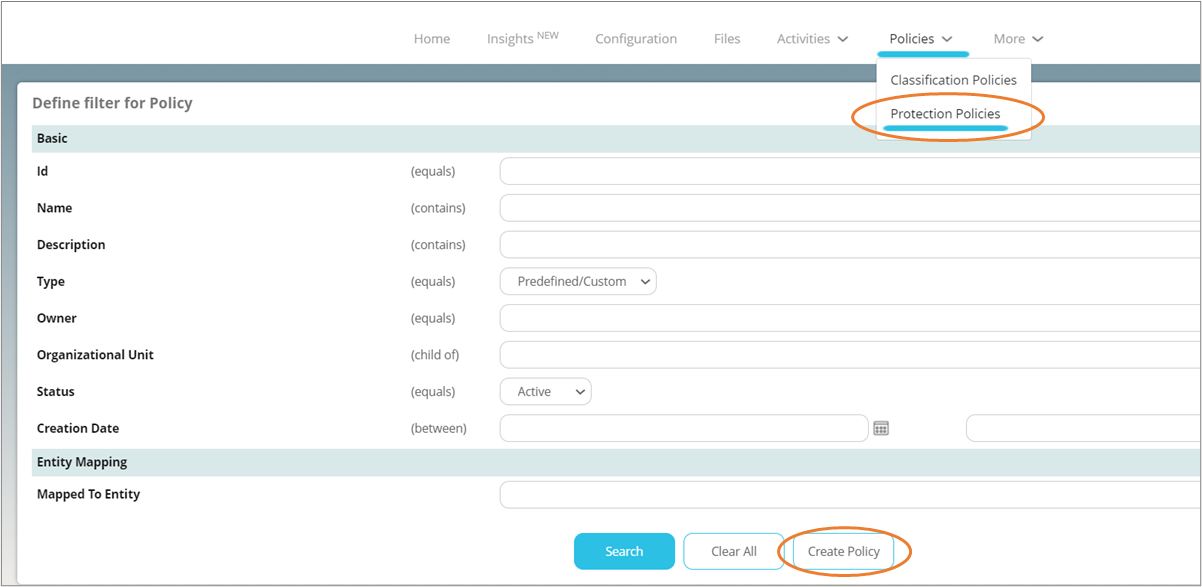
Click Policies, then Protection Policies in the toolbar and click Create Policy.
On the next screen, enter the details of the policy, such as name, description, users, and permissions. It is recommended to choose a name which describes the purpose of the policy, for example, RFP Files, Sales Files etc. Click Save when done.